Privacy and Account Deletion
Close your account, understand what is kept, and restore it during the waiting period.
Overview
Open "Account" > "Privacy" to manage account deletion.
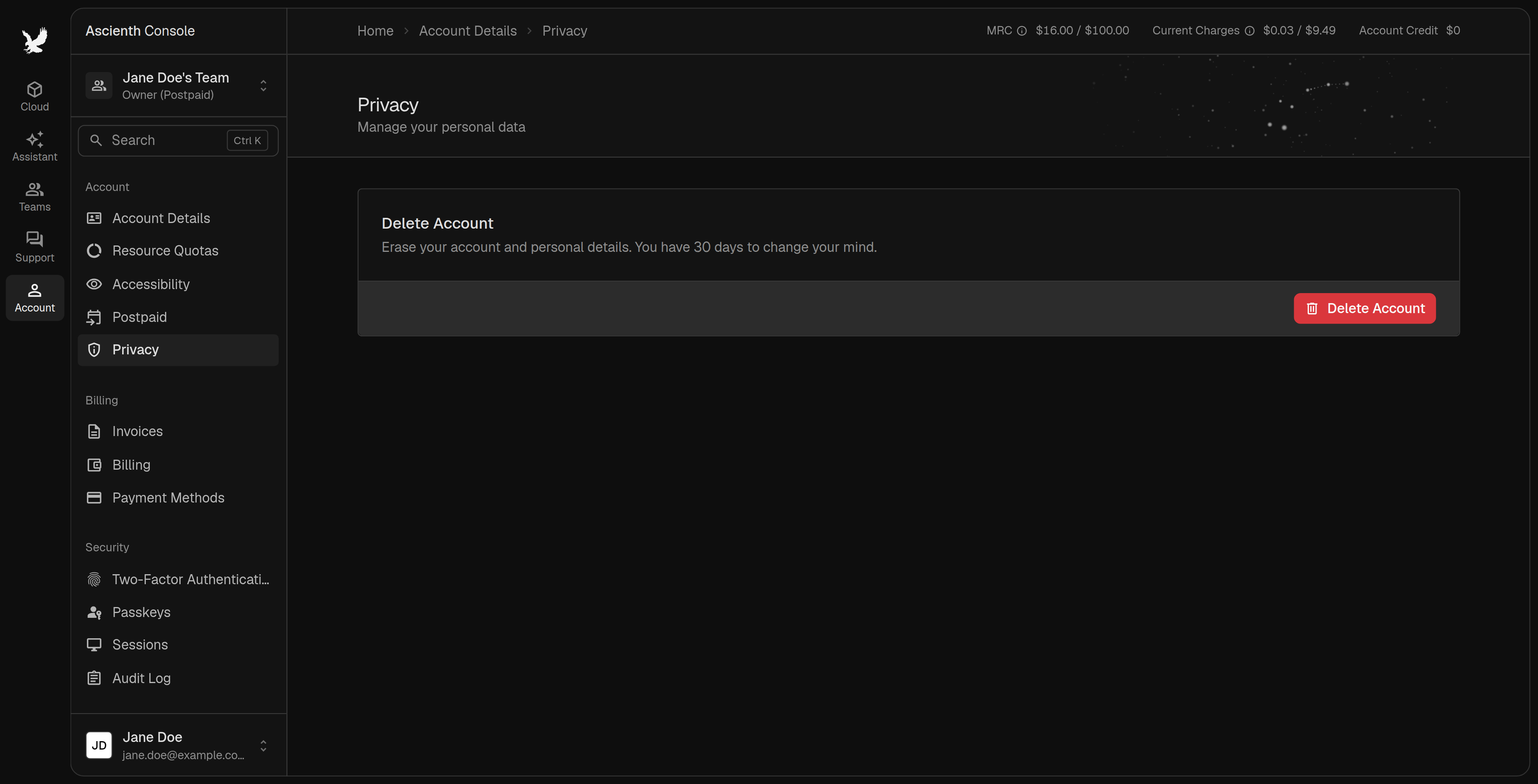
Before you delete your account
Cancel or delete services in every team you own, withdraw outstanding orders, release floating IPs and bandwidth, and pay outstanding postpaid invoices. The deletion page lists what still needs attention. If billing cannot be checked, try again later.
Unused account credit is forfeited when you delete the account. Spend it first if you want to use it. It cannot be refunded after deletion.
If you used postpaid resources this month, a final invoice may still arrive on the 1st. Personal details are not erased until that invoice is paid.
Request deletion
Open Delete Account
On "Privacy", click
Delete Account. Read the list of what will be deleted and kept.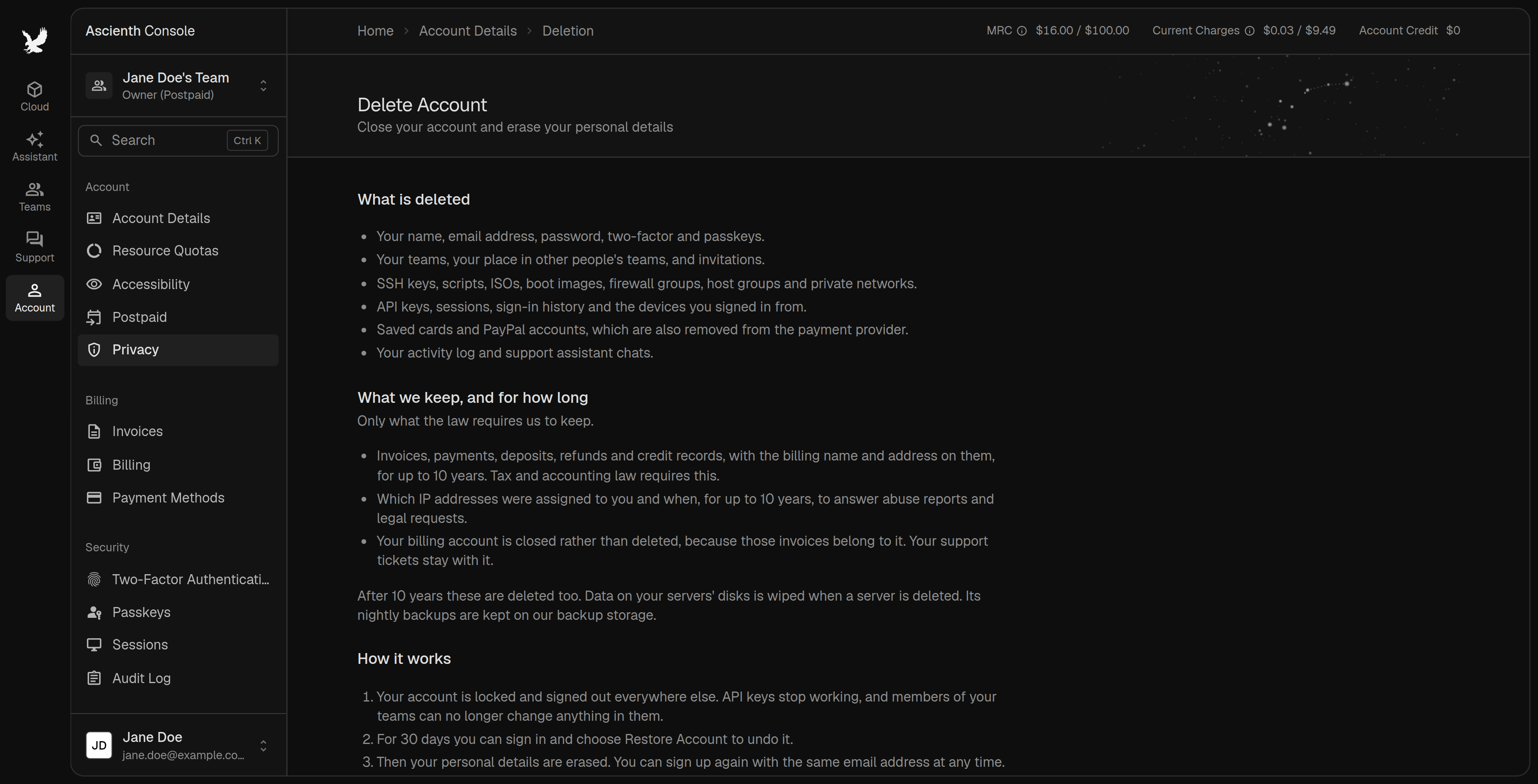
Clear any blockers
Cancel or delete the items listed. Return to this page once they are gone.
Confirm
Click
Delete Accountand enter your password. The page gives the date when your personal details will be erased.
Your account is locked and signed out on other devices. Members can no longer change resources in your teams.
Change your mind
You have 30 days to sign in and choose Restore Account. After personal details have been erased, they cannot be recovered. Restoring your account does not bring back services you already deleted before requesting account deletion.
What is kept
Billing and payment records are retained for up to 10 years. The deletion page explains the records we keep. Server disks are wiped when a server is deleted; nightly backups remain on backup storage under their retention schedule.
See our Privacy Policy for how we handle personal data.
Still stuck? Contact our team
View as Markdown