Reinstall a Server
Replace the operating system and start again with a clean server.
Overview
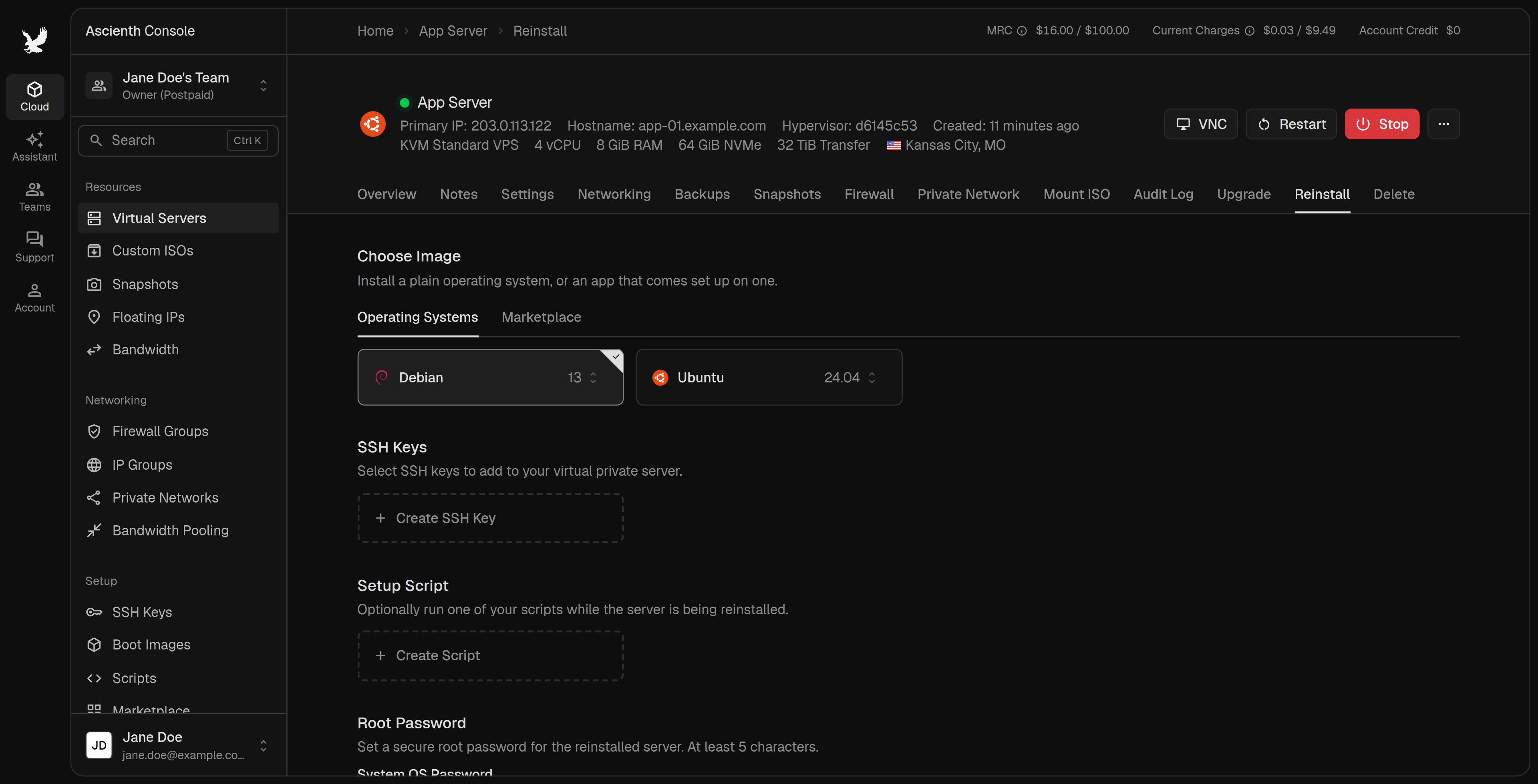
Open your server and choose "Reinstall" to replace its operating system. Use the images offered on that page; availability can differ by server and change over time.
Choose an image
Select an operating system and version, or a marketplace application where offered.
Choose access settings
Select SSH keys and a setup script if supported. Set the root or Administrator password as requested. Check the image requirements before continuing.
Confirm the reinstall
Click
Reinstall, read the warning and complete the confirmation. Wait for installation to finish before connecting.
For Windows licensing, see Windows. To install from your own image, see ISO Mounting. Reinstalling keeps the service; it does not cancel billing.
Still stuck? Contact our team
View as Markdown