Backups
Enable daily backups and restore a previous copy of your server.
Overview
Daily backups are copies taken on our schedule. Open your server and choose "Backups" to check whether they are enabled and see the available copies.
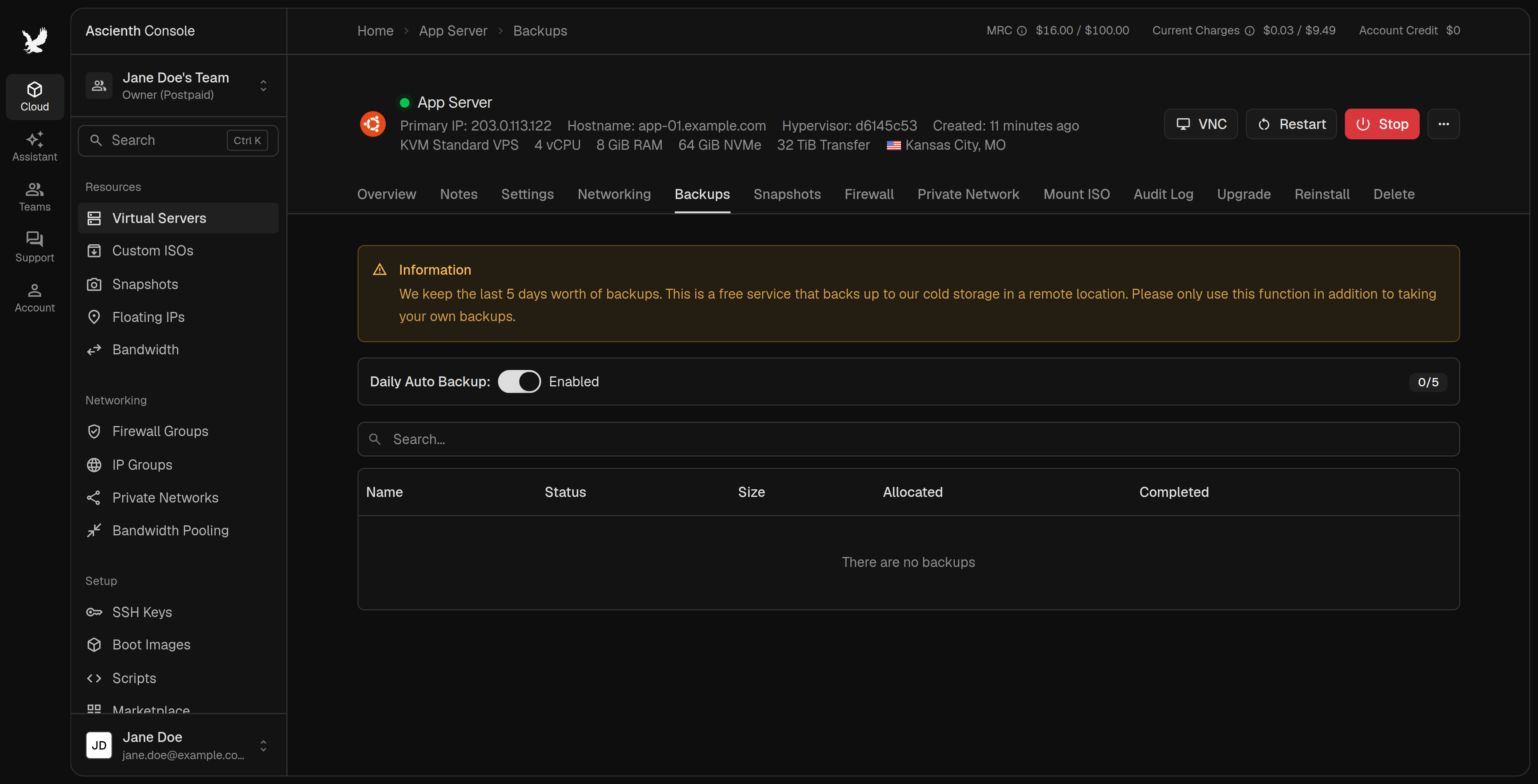
Backups are enabled by default on servers created after September 29, 2026. On older servers, turn on Daily Auto Backup if it is off. Enabling it does not create a backup immediately; wait for the next scheduled run.
Daily backups are included at no additional charge where offered. We normally take one backup a day and keep up to five days. This is a best-effort service. Keep your own independent backups of anything you need.
An empty list means no backup is available to restore from this page. Turning backups on now does not create a copy of data already lost. For a copy you need immediately before a change, download your data yourself.
Restore a backup
Choose the copy
On "Backups", check the date and status of the copy you want. Use its restore action.
Confirm the restore
Read the warning and enter the confirmation requested. The restore replaces the server's current data.
Wait for completion
Restores from cold storage can take several hours. Do not start another operation while the server is restoring.
You cannot request an extra daily backup on demand. Download your data yourself when you need a copy before a change or want to keep it longer.
Still stuck? Contact our team
View as Markdown