Resource Quotas
Check account limits and request room for more resources.
Overview
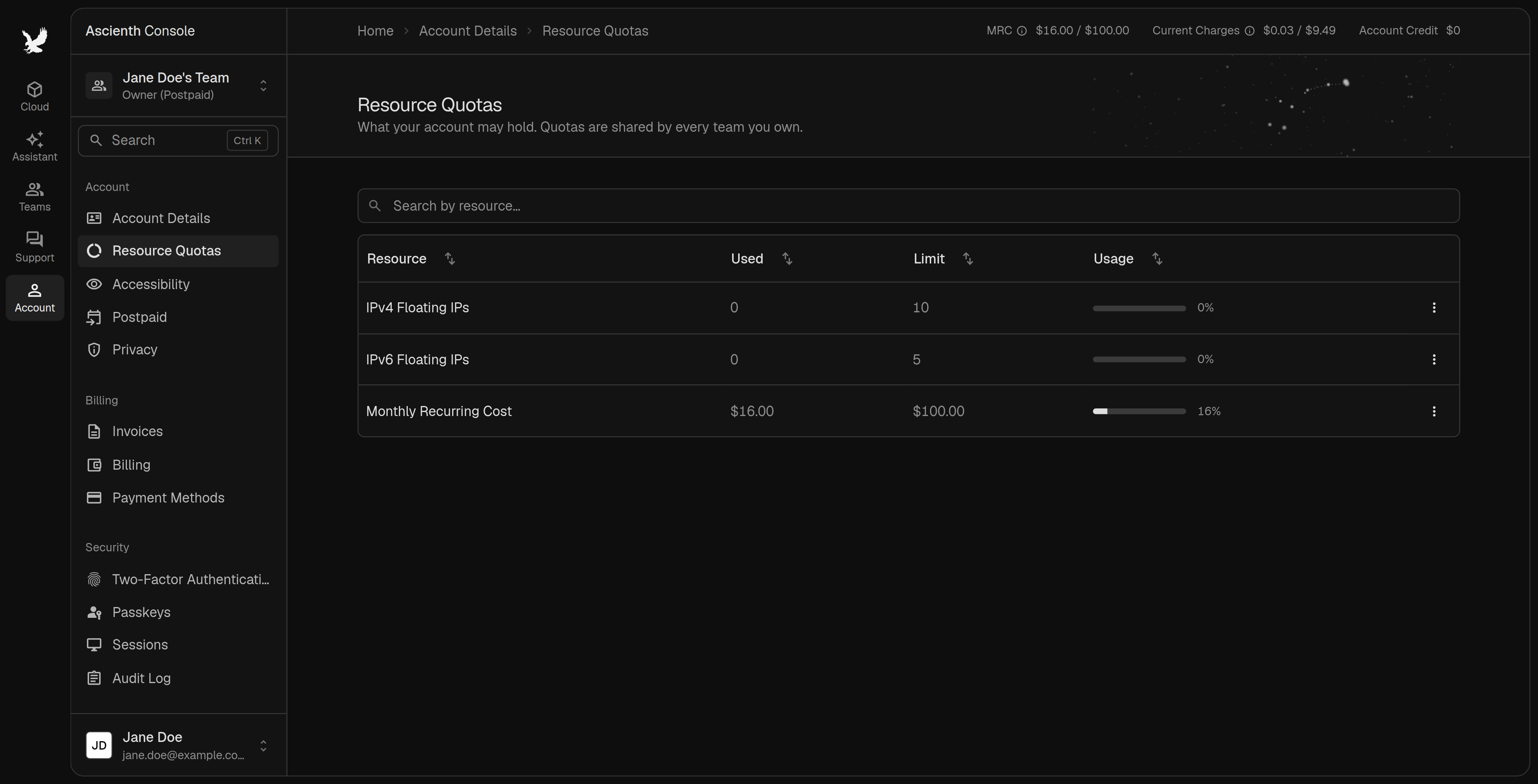
Open "Account" > "Resource Quotas" to see what your account uses and its limits. The limits are shared by every team you own; creating a team does not give you another allowance.
Request an increase
Find the resource, open its row menu and choose Request increase. The console opens a support message with the current limit. Explain how much more you need and what you will use it for, then send the ticket.
A request does not raise the limit immediately. Wait for our reply before placing a purchase that needs the increase.
Postpaid monthly cost
The "Monthly Recurring Cost" row shows the monthly cost of current postpaid resources against the account limit. Its menu can take you to add funds. Deposits can raise an eligible limit; an amount fixed by staff does not rise automatically.
Other charges and pending purchases can also count when you place an order. See Postpaid credit limits.
Still stuck? Contact our team
View as Markdown