AI Assistant
Ask about your team and review changes suggested by the assistant.
Overview
Click "Assistant" in the left rail to ask about servers and networking in the selected team. For example, ask which servers are running or where to find a network setting.
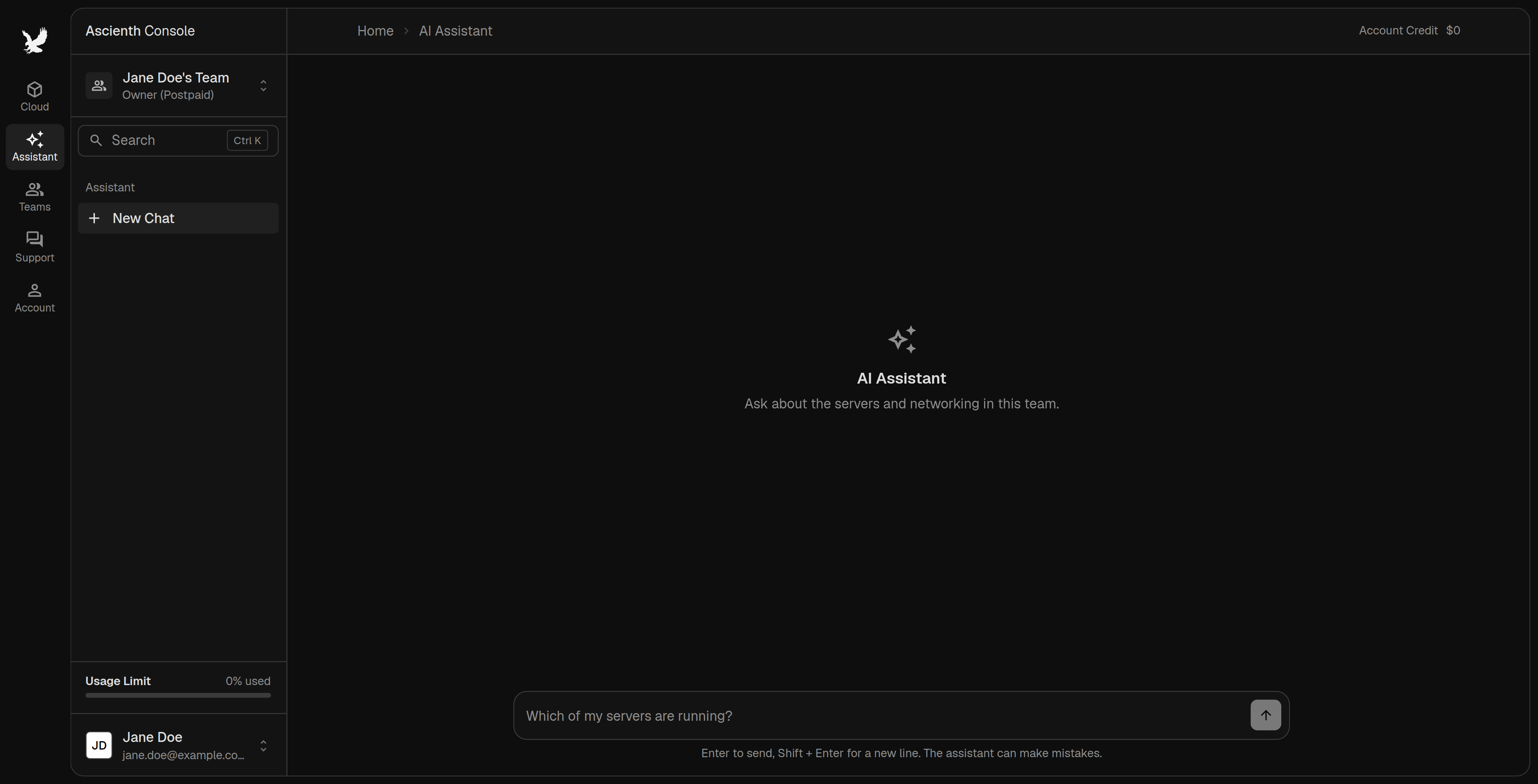
Ask a question
Choose the team first. Start a conversation, type your question and click send or press Enter. Use Shift + Enter for a new line. You can return to conversations from the assistant sidebar.
If the assistant suggests an action that needs approval, read the resource name and proposed change before accepting. Reject it if it is not what you want. Your team permissions still apply.
The assistant can make mistakes. Check its answer before changing a service. Do not put passwords or private keys in a message.
Get help from a person
Use Support Tickets for billing questions, account problems or faults that need our support team. An assistant conversation is separate from a support ticket.
To disable the assistant, open "Account" > "Accessibility" and turn off Use AI features.
Still stuck? Contact our team
View as Markdown