Sign In to Ascienth
Sign in to the console and find your servers, billing and account settings.
Overview
Open the Ascienth console and sign in with your email address and password. Existing client area customers can use their current login.
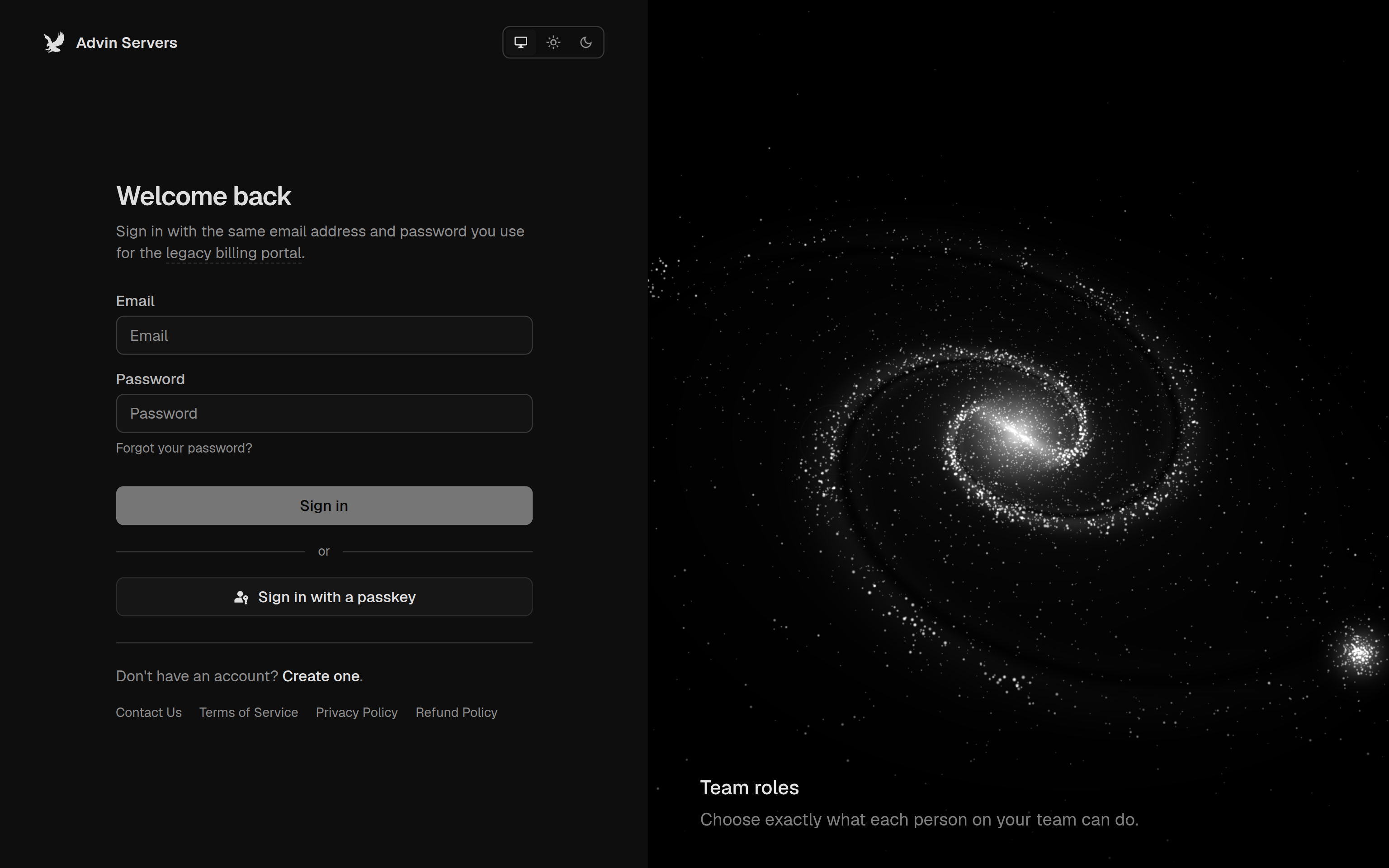
If asked, enter your authenticator code or the code sent to your email. See Account Security. You can also use a passkey once you have added one.
If you forgot your password, click Forgot your password? and follow the email link. Do not create another account to regain access to an existing one.
If a server, balance or login detail seems missing after signing in, use Find Your Services and Login Details. Check the selected team and account before placing another order.
Find your way around
| Section | What you can do |
|---|---|
| Cloud | Manage servers, networking, images, scripts and other services. |
| Teams | Create teams, invite members, set permissions and configure alerts. |
| Account | Manage your details, security, invoices and payment settings. |
| Support | Open and reply to tickets with our support team. |
| Assistant | Ask the AI assistant about the selected team, where available. |
Use the team menu at the top of the sidebar to choose the team you want to work in. Its label tells you whether it is prepaid or postpaid. Account and billing pages still show your own account when you select someone else's team.
Use the sidebar search, or Ctrl + K (⌘ + K on a Mac), to find pages quickly.
Start here
Read How Billing Works before your first purchase.
Still stuck? Contact our team
View as Markdown