Marketplace Apps
Deploy a server with an application already installed.
Overview
Open "Cloud" > "Marketplace" to browse available applications. Search by name or description and click an app to read its details.
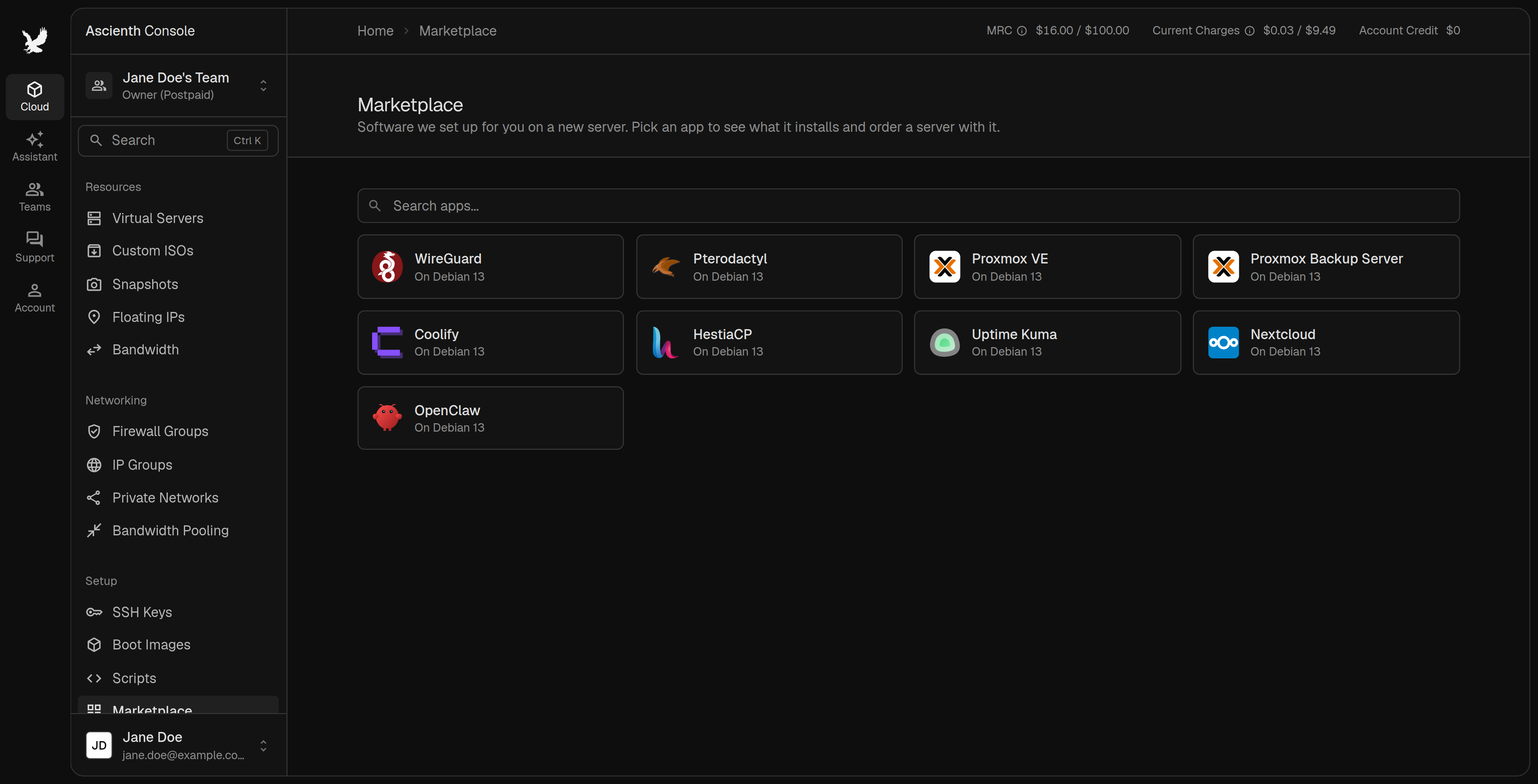
Deploy an app
Read the app details
Check the operating system, minimum plan requirements and any setup instructions. Available apps can change.
Open the order form
Use the app's deploy action. The order form opens with the app selected. Choose a location and a plan that meets its requirements.
Review and create
Complete the access settings and check the price. Payment follows the selected team's prepaid or postpaid billing mode. Create the server and wait for installation to finish.
You can also select "Marketplace" in the order form's image chooser. See Ordering a Server.
App installation does not include ongoing software management. You are responsible for updates, configuration, licenses and backups. Reinstalling an existing server with an app erases its disk; save your data first.
Still stuck? Contact our team
View as Markdown