Hosting, Licenses and Dedicated Servers
Order and manage website hosting and licenses, and find dedicated server management.
Overview
Open "Cloud" and scroll down the sidebar to "Other Services". Website hosting and licenses have their own lists and billing pages in the console. These pages are for the account holder; team roles do not grant access to the owner's hosting account.
Website hosting
Open "Website Hosting" to see your hosting accounts.
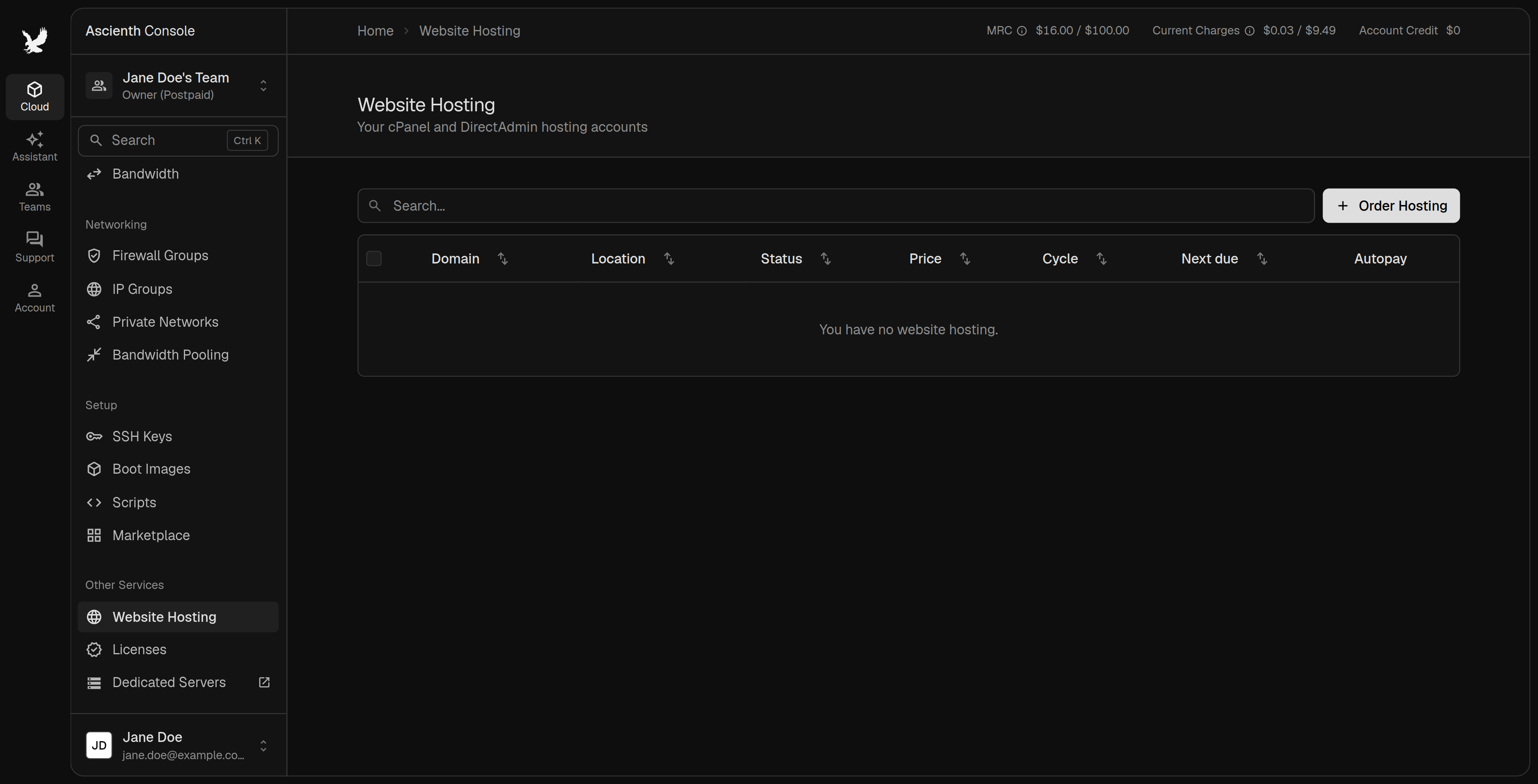
To buy hosting, click Order Hosting, choose the control panel, location and plan, enter your domain, then review the billing and confirm. Payment follows the team's billing mode and the price shown in the order.
Open an existing service to see its address, username and status. Use its login link to open cPanel or DirectAdmin. You can change the hosting password from its settings when the service is active. Manage websites, mailboxes and databases inside that hosting control panel.
The service's billing sections let you check charges and, for prepaid services, manage automatic payments and the billing cycle. Use its cancellation page when you no longer need it. Back up websites and mail first.
Software licenses
Open "Licenses" to see your software licenses, or click Order License to buy one of the options offered.
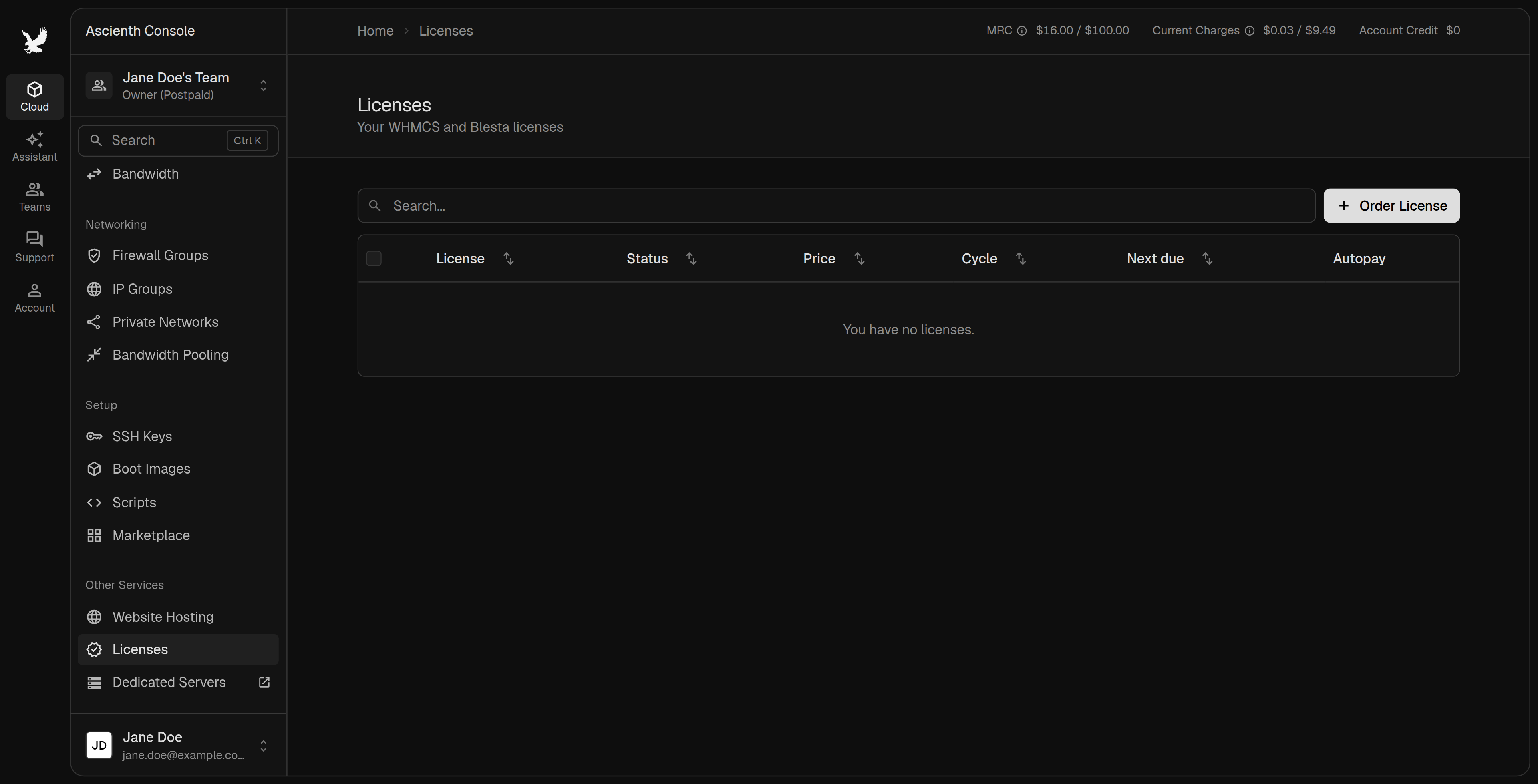
Open an active license to copy its key and check its details. If you move the licensed software and it needs activation again, use Reissue License where offered, then follow the software's activation steps. Check billing and cancellation on the service page.
Dedicated servers
Use "Dedicated Servers" to find the link to the client area. Manage dedicated servers there while they are not available in the console.
For a service problem, open a support ticket.
Still stuck? Contact our team
View as Markdown