Prepaid Billing
Pay ahead for a service, manage renewals, and cancel unused time.
Overview
With prepaid billing, you pay for a service before using it. The payment covers the billing period you chose, such as a month or a year.
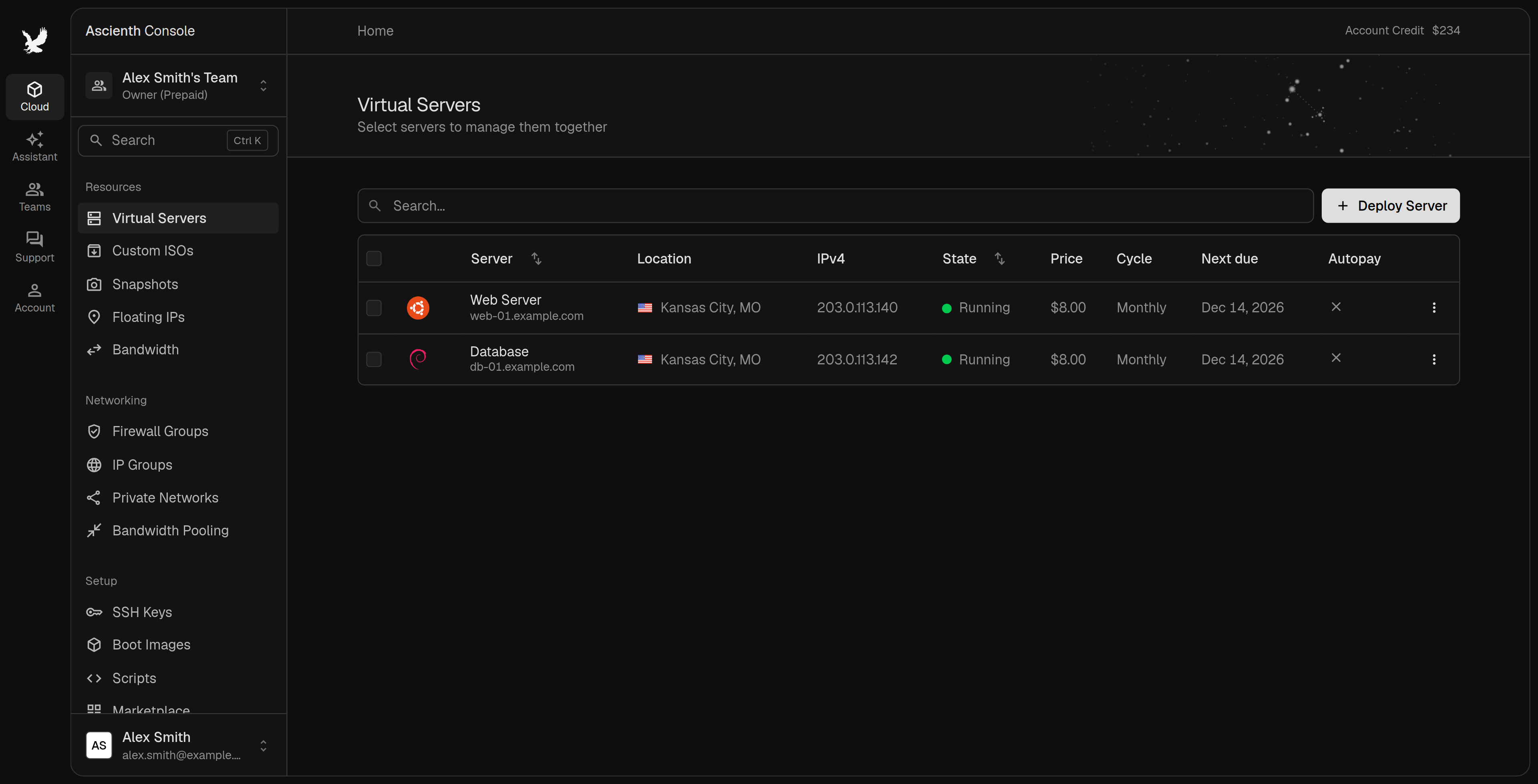
Check the team menu at the top of the sidebar. Owner (Prepaid) means the selected team uses prepaid billing. Postpaid teams pay for usage later.
Order a service
- Select your prepaid team.
- Add account credit to cover the purchase.
- Choose a plan and billing cycle, then confirm the price.
New prepaid servers and purchases such as floating IPs and bandwidth are paid from account credit. Adding funds to a different person's account does not fund your team. The team owner pays for team purchases.
Renew a service
Open the service's "Billing" tab to check its price, billing cycle and next due date. Pay renewal invoices by their due date, or use automatic payments.
- Automatic Payments on the Billing page: charges the account's default saved method for all services and postpaid invoices, including future services.
- Automatic payments on a service: pays that service with the method selected there, when account-wide automatic payments are off.
- Account credit: can pay renewals when the service allows it. The account setting
Pay invoices from account creditapplies across services and can use a partial credit balance.
See Invoices and Billing for setup and cancellation of automatic payments. Always check that an invoice is marked paid; a saved method or a top-up on its own is not proof of payment.
Change the billing cycle
Open the service's "Billing" > "Billing Cycle" section. Choose an available cycle and click Change cycle. The new cycle applies to a future renewal; your current paid period stays the same.
Pay any unpaid service invoice first. A cycle change can turn off a service's automatic payment arrangement. Read the confirmation and check "Automatic Payments" afterwards.
Cancel a service
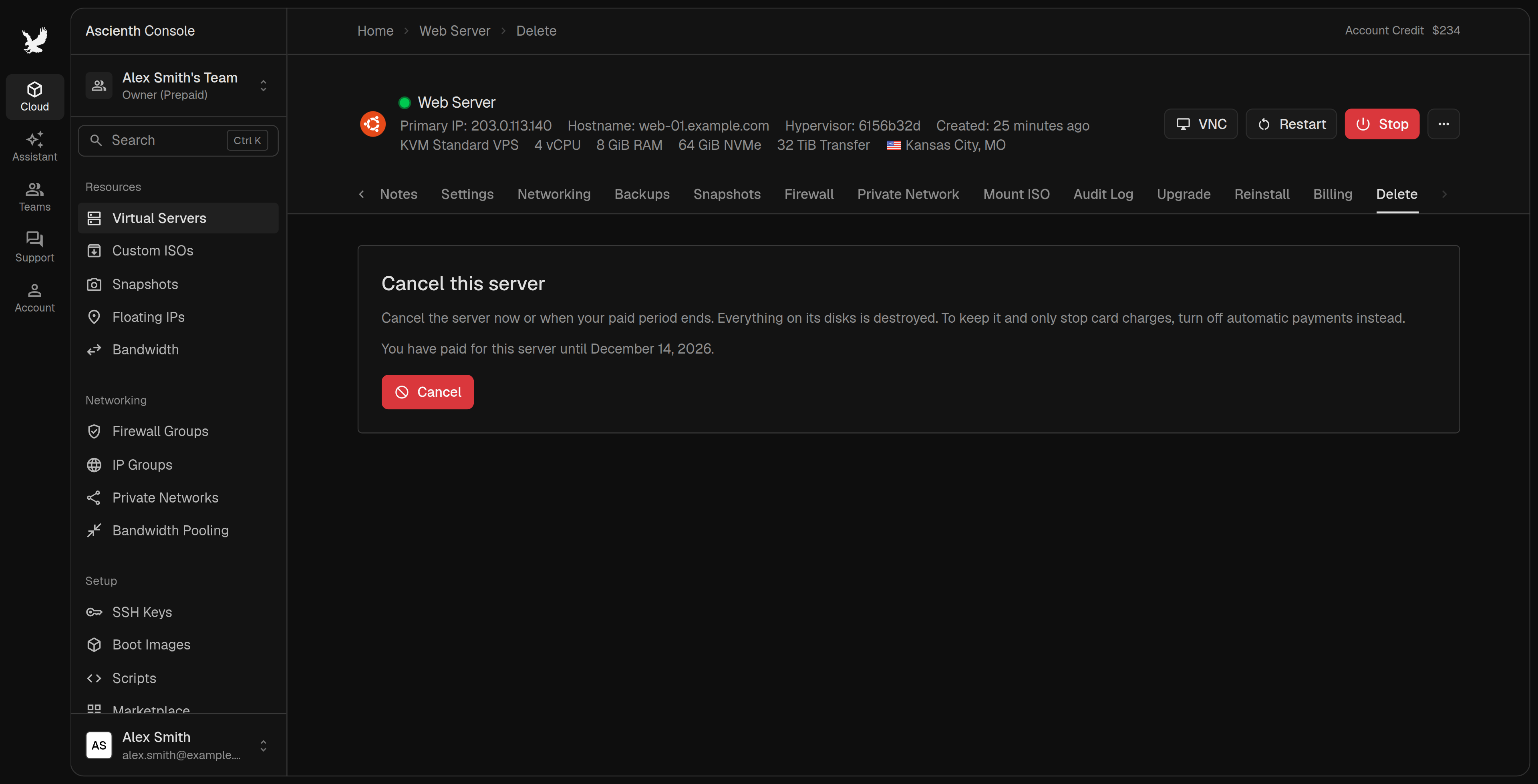
Open the server and choose "Delete". For a floating IP, use its menu or billing page.
| Choice | What happens |
|---|---|
| End of billing period | The service remains available until the paid period ends, then is deleted. |
| Immediate | The service is deleted now. The dialog shows any refund of unused time to account credit. |
A scheduled cancellation can be withdrawn while the service still exists. Check automatic payments afterwards and withdraw any floating IP cancellations separately. Immediate deletion cannot be undone.
Refunds are account credit under our Refund Policy, not cash returned to your card or PayPal account.
If you miss a payment
An unpaid renewal can lead to suspension and deletion. Follow the due date and deadlines in your invoice emails. Prepaid service deadlines are separate from the postpaid monthly schedule.
If you also have postpaid teams, an unpaid postpaid invoice can suspend servers across your whole account, including prepaid teams.
Still stuck? Contact our team
View as Markdown